
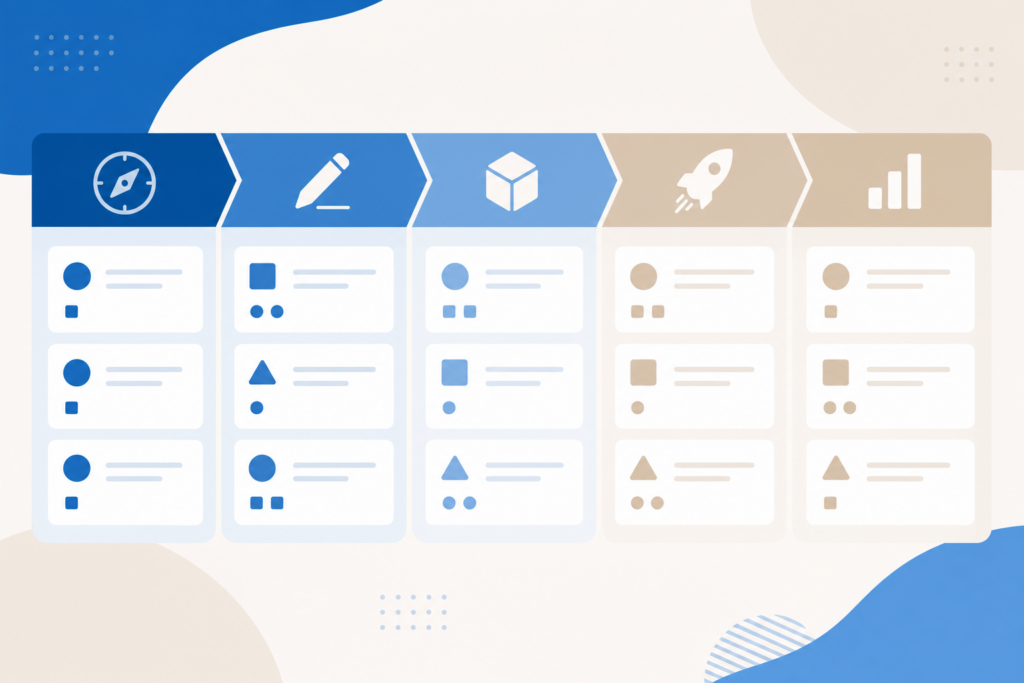
A project is more than one prompt — it’s research, drafts, reviews, and delivery. This lesson ties Claude lessons into a single workflow you can reuse for client work, internal initiatives, or content launches.
Project phases
| Phase | Claude helps with |
|---|---|
| Discover | Research summaries, competitor tables |
| Define | Scope doc, success metrics |
| Plan | Timelines, task breakdown |
| Produce | Drafts, code, spreadsheets |
| Review | Critique, risk list |
| Ship | Checklists, handoff notes |
Example: 2-week content launch
Week 1 — Discover & define
– Upload brief to a Claude Project
– Prompt: “List gaps in our competitor content. Table format.”
– Output: content angle + outline approval
Week 2 — Produce
– Continuous prompting (Lesson 12) per section
– Skills for SEO meta and social snippets
– Human edit + publish
Project folder template
/project-name
  brief.md
  research-notes.md
  outline.md
  drafts/
  assets/
  claude-instructions.txt
RACI with Claude
| Role | Human | Claude |
|---|---|---|
| Accountable | You | — |
| Responsible | You + Claude | Drafts |
| Consulted | Experts | — |
| Informed | Stakeholders | Summaries |
Never make Claude “accountable” for facts sent to clients.
Tools by phase
- Writing-heavy → Projects + Skills
- Data → Excel lesson + uploads
- Software → Code or Cowork
- Deck → Slides lesson
Retrospective prompt
Review this project thread. What worked, what prompts failed,
and what Skills we should save for next time. Bullet format.
Course completion
You have covered the full 17-lesson path. Revisit the Free Claude Course hub anytime.
Free Claude Course — Lesson 16
Related on AIFree.vn
Practical checklist
- Write down one concrete task you will solve this week (not “learn AI” in general).
- Pick one primary tool and one backup — avoid subscription sprawl.
- Run a 20-minute pilot with real inputs; save prompts that worked.
- Add a human review step before anything customer-facing or legal.
- Schedule a 30-day review: keep, replace, or cancel the tool.
Common mistakes
- Chasing every new launch instead of finishing workflows.
- Trusting outputs for numbers, dates, or citations without verification.
- Uploading confidential data to tools your employer has not approved.
- Skipping internal links between related guides on your site or team wiki.
FAQ
How long until I see results?
Most readers save time within the first week if they apply one tutorial to a real task.
Do I need to code?
No for chat and image tools; yes for fine-tuning, RAG, or custom integrations.
What should I read next?
Use the Related on AIFree.vn section at the bottom of this article for hub pages and deeper tutorials.
Key takeaway
Treat AI as a draft accelerator with clear evaluation criteria — not an infallible expert. Combine tools with domain judgment and you will outperform teams that either avoid AI or use it without guardrails.
Study plan (7 days)
| Day | Focus | Output |
|---|---|---|
| 1 | Read this article + hub page | Summary notes |
| 2 | Try one tool with a real task | Saved prompt |
| 3 | Compare alternative tool | Short comparison table |
| 4 | Share draft with peer for review | Feedback bullets |
| 5 | Measure time saved vs baseline | 1 metric |
| 6 | Document team guidelines | 1-page SOP |
| 7 | Publish or ship internally | Completed artifact |
When to escalate to an expert
Escalate to a senior engineer, lawyer, or clinician when outputs affect money, safety, compliance, or customer contracts. AI assists research; humans remain accountable.
Glossary (quick)
| Term | Meaning |
|---|---|
| LLM | Large language model for text |
| RAG | Retrieval-augmented generation with your docs |
| Fine-tuning | Training a model on specialized data |
| Token | Chunk of text the model processes |
| Hallucination | Plausible but incorrect output |
AIFree.vn — practical AI & IT education. Last optimized: June 2026.
