
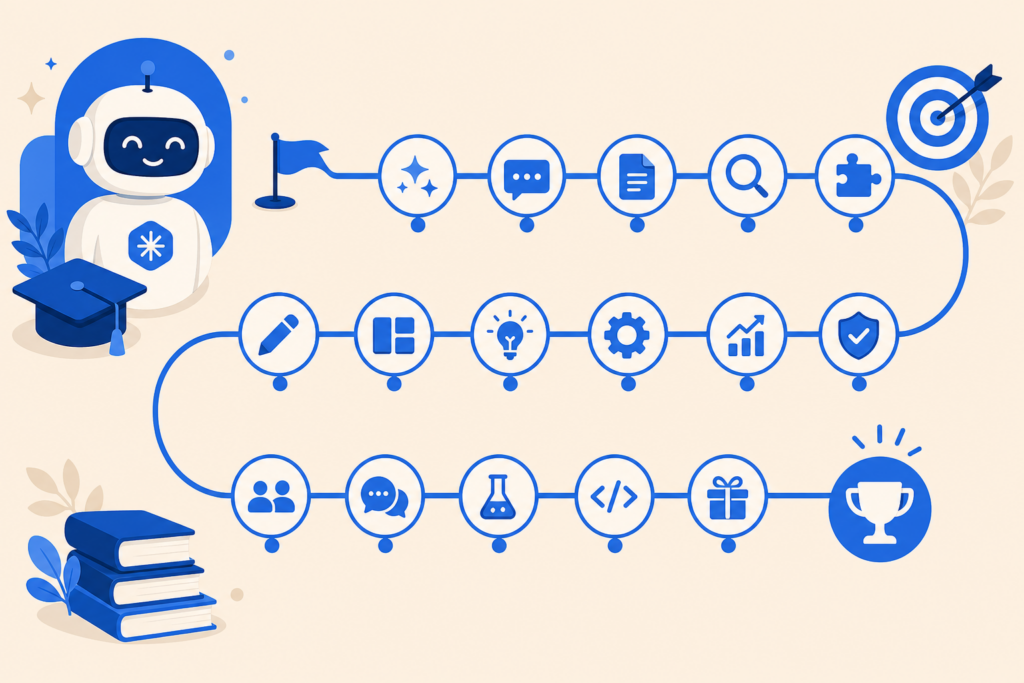
Want a structured path to master Claude — from your first chat to team workflows and advanced integrations? This free Claude course maps 17 practical lessons in the order that works best for beginners and professionals.
Each lesson below links to a full guide on AIFree.vn. Work through them in sequence, or jump to what you need today.
Who this course is for
- Beginners who have never used Claude
- Professionals who want faster writing, research, and analysis
- Teams adopting Claude without a heavy IT rollout
- Non-coders who still want automation (Cowork, Excel, slides)
Course roadmap (17 lessons)
Foundation
| # | Lesson | What you will learn |
|---|---|---|
| 1 | Claude 101: Getting Started | What Claude is, how to sign up, first prompts |
| 2 | Claude Code: Programming with Claude | Vibecoding, debugging, projects without deep CS background |
| 3 | Claude Skills | Reusable workflows and automation |
Create & communicate
| # | Lesson | What you will learn |
|---|---|---|
| 4 | Claude Design | Layouts, visuals, and creative assets with AI |
| 5 | Claude for Excel | Formulas, analysis, and spreadsheets |
| 6 | Effective Prompt Writing | Prompt structure that gets reliable results |
| 7 | Write Naturally (Not Like AI) | Human tone, less generic output |
Credentials & teams
| # | Lesson | What you will learn |
|---|---|---|
| 8 | Claude Certification | Free official certificates |
| 9 | Claude for Teams | Shared skills, governance, rollout |
Power user
| # | Lesson | What you will learn |
|---|---|---|
| 10 | Integrations & Extensions | Connect Claude to your stack |
| 11 | Workspace Setup | Projects, files, and organization |
| 12 | Continuous Prompting | Multi-step sessions that stay on track |
| 13 | Slide AI with Claude | Decks and talking points fast |
Personalization & depth
| # | Lesson | What you will learn |
|---|---|---|
| 14 | Claude Writes Like You | Voice training and style profiles |
| 15 | Claude as Your Computer Assistant | Cowork / computer use for real tasks |
| 16 | Claude for Work & Projects | End-to-end project workflows |
| 17 | Beyond Claude’s Limits | Context, accuracy, and when to combine tools |
Recommended learning paths
Path A — Non-coder (2 weeks)
Lessons 1 → 6 → 7 → 15 → 5 → 13
Path B — Developer (2 weeks)
Lessons 1 → 2 → 3 → 11 → 10 → 12
Path C — Team lead (1 week)
Lessons 1 → 9 → 8 → 3 → 16
How long does it take?
| Pace | Time per week | Finish in |
|---|---|---|
| Casual | 2–3 lessons | ~6 weeks |
| Focused | 5 lessons | ~3 weeks |
| Sprint | All 17 | 1–2 weeks |
Tools you need
- Free Claude.ai account (Pro optional)
- Claude desktop app for Cowork and Code (lessons 2, 15)
- Sample files: PDF, spreadsheet, or doc for practice
What makes this course different
Unlike scattered blog posts, this hub orders lessons so each builds on the last. We focus on doing — prompts you can copy, checklists, and realistic non-coder examples.
Start now
Begin with Lesson 1: Claude 101 if you are new. Already comfortable? Jump to Claude Skills or Cowork.
Related: 10 Things You Can Do with Claude
Last updated: June 2026
Related on AIFree.vn
Practical checklist
- Write down one concrete task you will solve this week (not “learn AI” in general).
- Pick one primary tool and one backup — avoid subscription sprawl.
- Run a 20-minute pilot with real inputs; save prompts that worked.
- Add a human review step before anything customer-facing or legal.
- Schedule a 30-day review: keep, replace, or cancel the tool.
Common mistakes
- Chasing every new launch instead of finishing workflows.
- Trusting outputs for numbers, dates, or citations without verification.
- Uploading confidential data to tools your employer has not approved.
- Skipping internal links between related guides on your site or team wiki.
FAQ
How long until I see results?
Most readers save time within the first week if they apply one tutorial to a real task.
Do I need to code?
No for chat and image tools; yes for fine-tuning, RAG, or custom integrations.
What should I read next?
Use the Related on AIFree.vn section at the bottom of this article for hub pages and deeper tutorials.
Key takeaway
Treat AI as a draft accelerator with clear evaluation criteria — not an infallible expert. Combine tools with domain judgment and you will outperform teams that either avoid AI or use it without guardrails.
Study plan (7 days)
| Day | Focus | Output |
|---|---|---|
| 1 | Read this article + hub page | Summary notes |
| 2 | Try one tool with a real task | Saved prompt |
| 3 | Compare alternative tool | Short comparison table |
| 4 | Share draft with peer for review | Feedback bullets |
| 5 | Measure time saved vs baseline | 1 metric |
| 6 | Document team guidelines | 1-page SOP |
| 7 | Publish or ship internally | Completed artifact |
When to escalate to an expert
Escalate to a senior engineer, lawyer, or clinician when outputs affect money, safety, compliance, or customer contracts. AI assists research; humans remain accountable.
Glossary (quick)
| Term | Meaning |
|---|---|
| LLM | Large language model for text |
| RAG | Retrieval-augmented generation with your docs |
| Fine-tuning | Training a model on specialized data |
| Token | Chunk of text the model processes |
| Hallucination | Plausible but incorrect output |
AIFree.vn — practical AI & IT education. Last optimized: June 2026.
