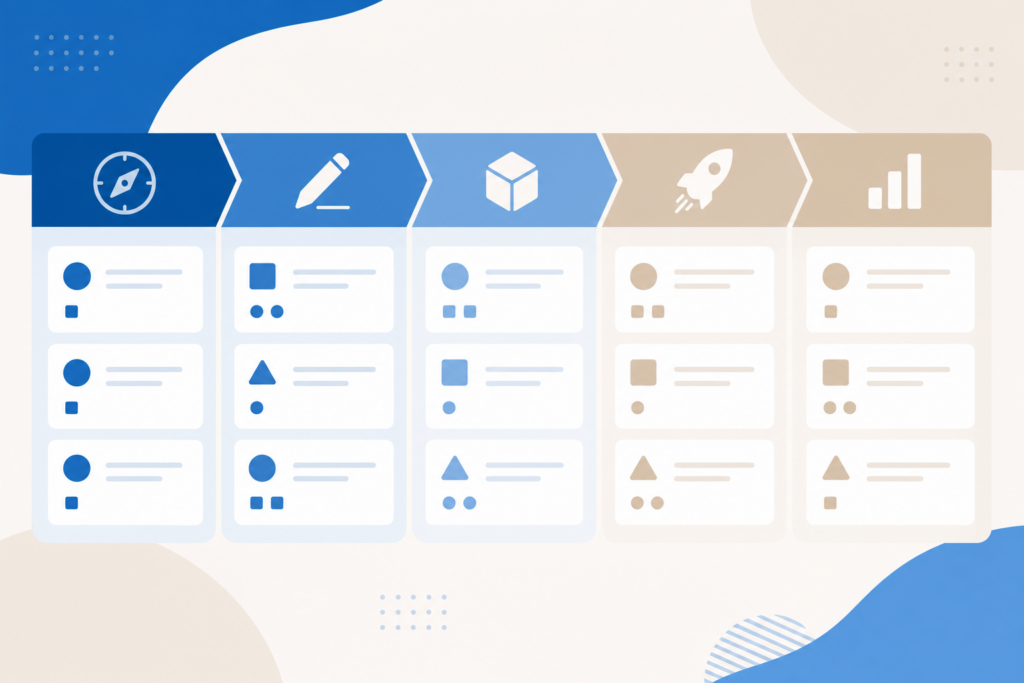
A project is more than one prompt — it’s research, drafts, reviews, and delivery. This lesson ties Claude lessons into a single workflow you can reuse for client work, internal initiatives, or content launches. Project phases Phase Claude helps with Discover Research summaries, competitor tables Define Scope doc, success metrics Plan Timelines, task breakdown Produce […]

04
Jun
Jun
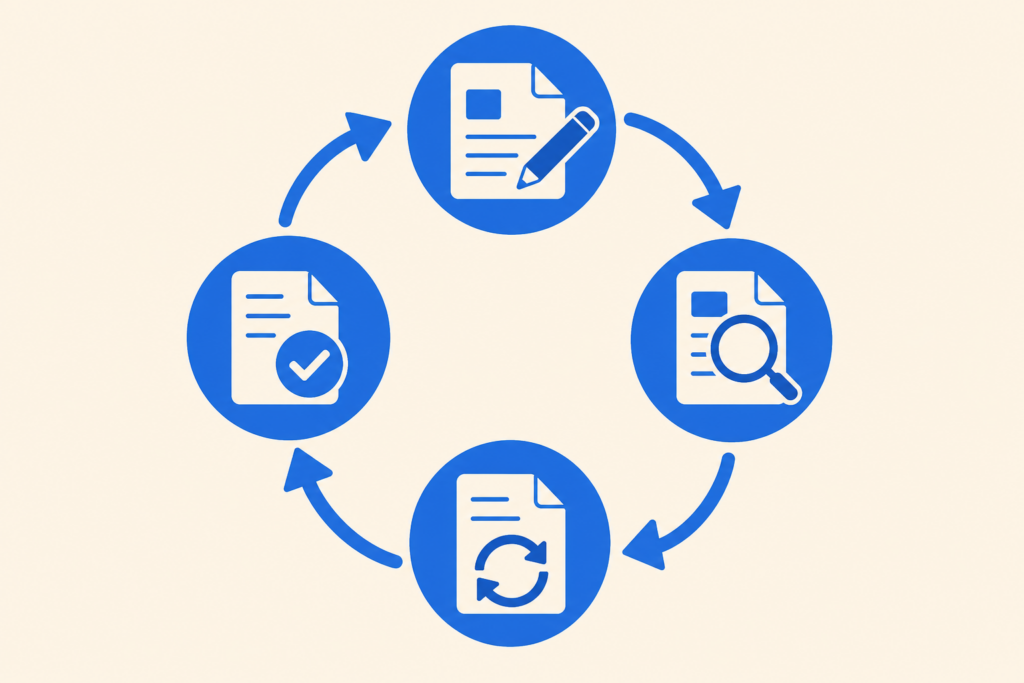
Need a deck by tomorrow? Claude won’t replace PowerPoint entirely, but it accelerates structure, narrative, speaker notes, and slide copy — often 70% of the work. What Claude does well for slides Story arc (problem → solution → proof → CTA) Slide titles (assertion-style, not vague) Bullet content (concise, parallel structure) Speaker notes Exportable outline […]
04
Jun
Jun
Continuous prompting means guiding Claude through a multi-step task in one thread — plan → execute → review — instead of one overloaded message. This reduces drift and improves quality. Why one-shot prompts fail Large asks (“build my marketing strategy, write emails, and design slides”) cause: Shallow coverage Forgotten constraints Generic middle sections Breaking work […]

04
Jun
Jun
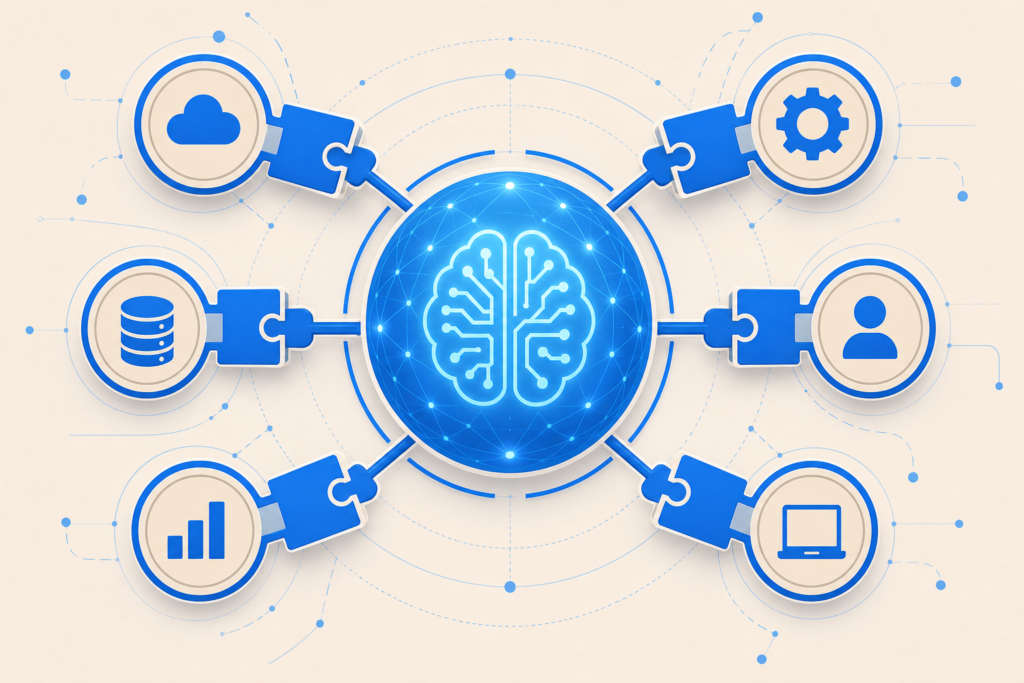
A messy AI workflow wastes time. Workspace setup means organizing projects, files, instructions, and chat history so Claude stays context-aware across sessions. Claude Projects (web) Projects let you: Attach knowledge files (PDFs, docs, guidelines) Set custom instructions per project Keep chats grouped by client or product Setup steps Claude.ai → Projects → New project Name […]
04
Jun
Jun
Claude becomes more powerful when it sits inside tools you already use. This lesson maps integrations, APIs, and connectors — and when to choose each. Integration options Type Best for Claude.ai + uploads Quick docs, ad-hoc analysis Desktop (Cowork, Code) Local files, apps, repos API Custom apps, automation MCP Tool servers for agents Zapier / […]

04
Jun
Jun
One person using Claude well is productive; a team using it consistently is transformative. This lesson covers rollout, shared standards, and governance — without turning IT into a bottleneck. Team plans overview Anthropic offers Team and Enterprise tiers with: Central billing and admin Higher usage limits Security and policy controls (enterprise) Shared projects (where available) […]
04
Jun
Jun
The difference between generic AI output and work you can ship is usually the prompt. This lesson gives a repeatable framework for Claude — role, context, task, format, and constraints. The RCTFC framework Letter Meaning Example R Role “You are a senior technical writer.” C Context Audience, product, constraints T Task One clear deliverable F […]
04
Jun
Jun
Spreadsheets power business decisions — but formulas and cleanup eat hours. Claude helps you explain data, write formulas, clean tables, and summarize sheets when you upload files or paste samples. How to use Claude with Excel Method 1 — Upload files Upload .xlsx, .csv, or screenshots of tables to claude.ai. Method 2 — Paste data […]
04
Jun
Jun
Claude is text-first, but it excels at design direction — wireframes in words, UI copy, design systems, SVG snippets, and briefs you hand to Figma or Canva. This lesson shows how to use Claude in a design workflow without replacing your designer eye. What “Claude Design” means Claude does not replace Midjourney for photoreal art. […]
04
Jun
Jun
Claude Code turns natural language into working software. You describe what you want; Claude reads your project, writes files, runs commands, and fixes errors — often called vibecoding. You do not need to be a senior engineer to benefit. What is Claude Code? Claude Code is Anthropic’s agentic coding mode in the Claude desktop app. […]